
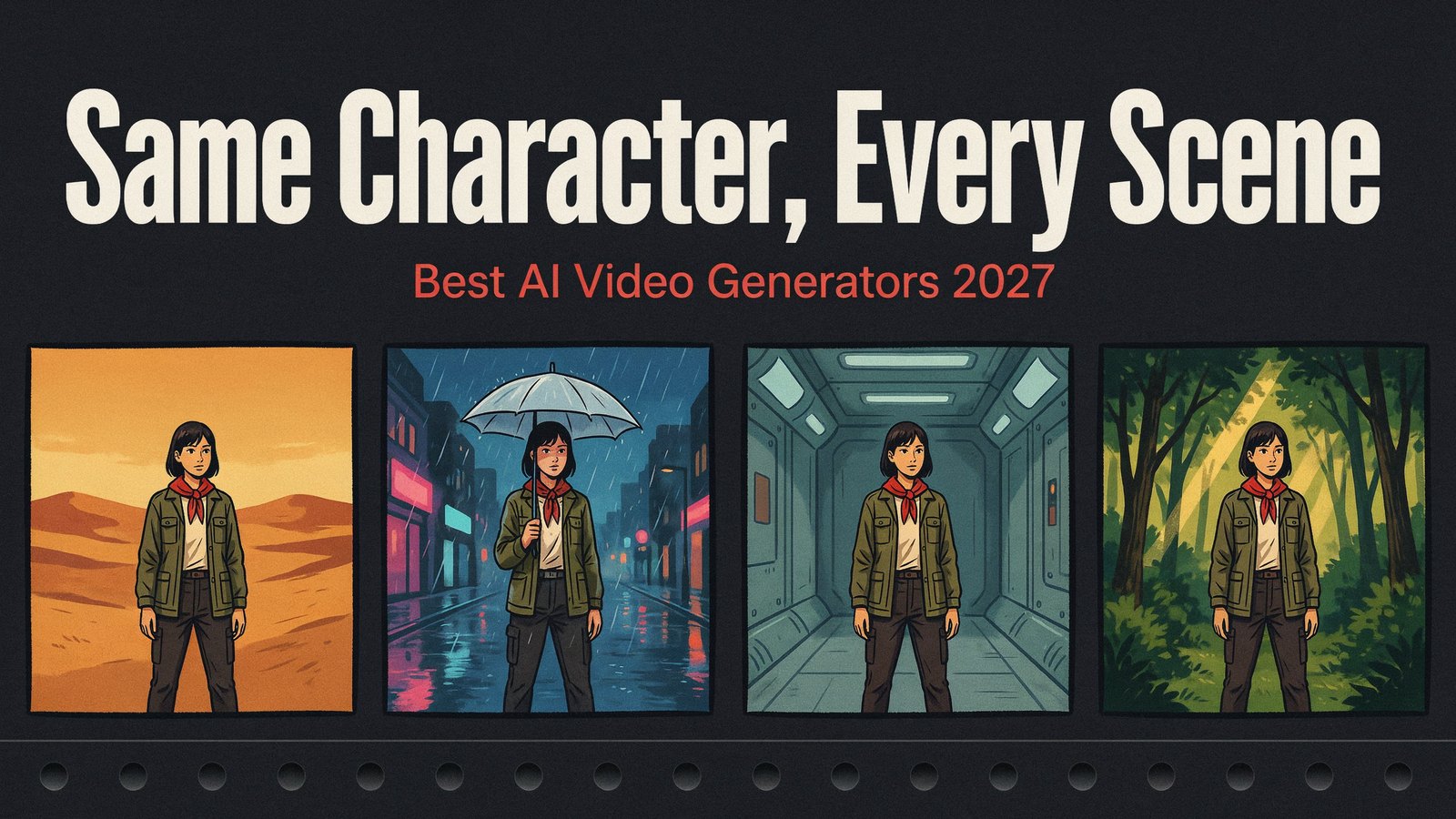
Anyone who has made a story with AI video knows the problem. Your hero has brown hair in shot one, a different jawline in shot two, and by shot five they look like their own cousin.
The outfit changes color. The scar moves to the other cheek. The cozy kitchen from the opening scene turns into a different kitchen altogether. Viewers notice, and the story falls apart.
This is the character consistency problem, and it is the biggest thing holding AI video back from real storytelling. Most models make each clip from scratch, with no memory of who your character is.
The good news is that a new wave of tools tackles it head on. We checked the sites, pricing pages and demos of every tool that claims to keep characters consistent, and narrowed it down to the 11 best AI video generators for consistent characters in 2027.
Why Character Consistency Matters
For a single 10 second clip, a slightly different face doesn't matter much. The moment you want something bigger, it matters a lot.
- YouTube channels with a recurring host, mascot or narrator.
- Animated kids' series where children expect the same friends every episode.
- Short films and series that follow one hero across many scenes.
- Ad campaigns where the same face appears in a dozen videos.
- Training and explainer videos with a consistent presenter.
Without consistency, you spend hours regenerating shots and fixing faces, and the result still looks stitched together.
How AI Tools Keep Characters Consistent
There are three main approaches, and they matter when you choose a tool.
Reference images. You upload a picture of your character and the model tries to match it in each new clip. This works well within a clip but can drift across many shots.
Trained identities. You give the tool a few photos and it learns a reusable character. This holds up better across sessions.
Saved casts and story assembly. The tool keeps a bank of characters and locations and builds whole scenes and episodes from them. This is the only approach that truly keeps a story consistent from the first scene to the last.
Quick Comparison
| Tool | Starts At | Video Length | Consistency Method |
|---|---|---|---|
| Cinemation | $5.58 a month paid yearly | Full videos, any length | Saved character and location bank |
| LongStories.ai | $59 a month | Up to 10 to 15 minutes | Universes, a saved cast and style |
| LTX Studio | $15 a month ($12 yearly) | Shots in a storyboard | Elements, saved characters |
| invideo AI | $20 a month ($10 yearly) | Agent-built videos | Multi-angle reference sheets |
| Higgsfield | $19 a month | Short clips | Soul ID trained from photos |
| Kling | $10 a month | Short clips | Element Library |
| Runway | $15 a month ($12 yearly) | Short clips | References |
| Google Flow | $19.99 a month | About 8 second clips | Ingredients to video |
| Vidu | $10 a month | Up to 16 seconds | Up to 7 reference images |
| Luma | $30 a month | Short clips | Character Reference on Ray |
| Pika | $10 a month ($8 yearly) | Short clips | Scene Ingredients |
1. Cinemation
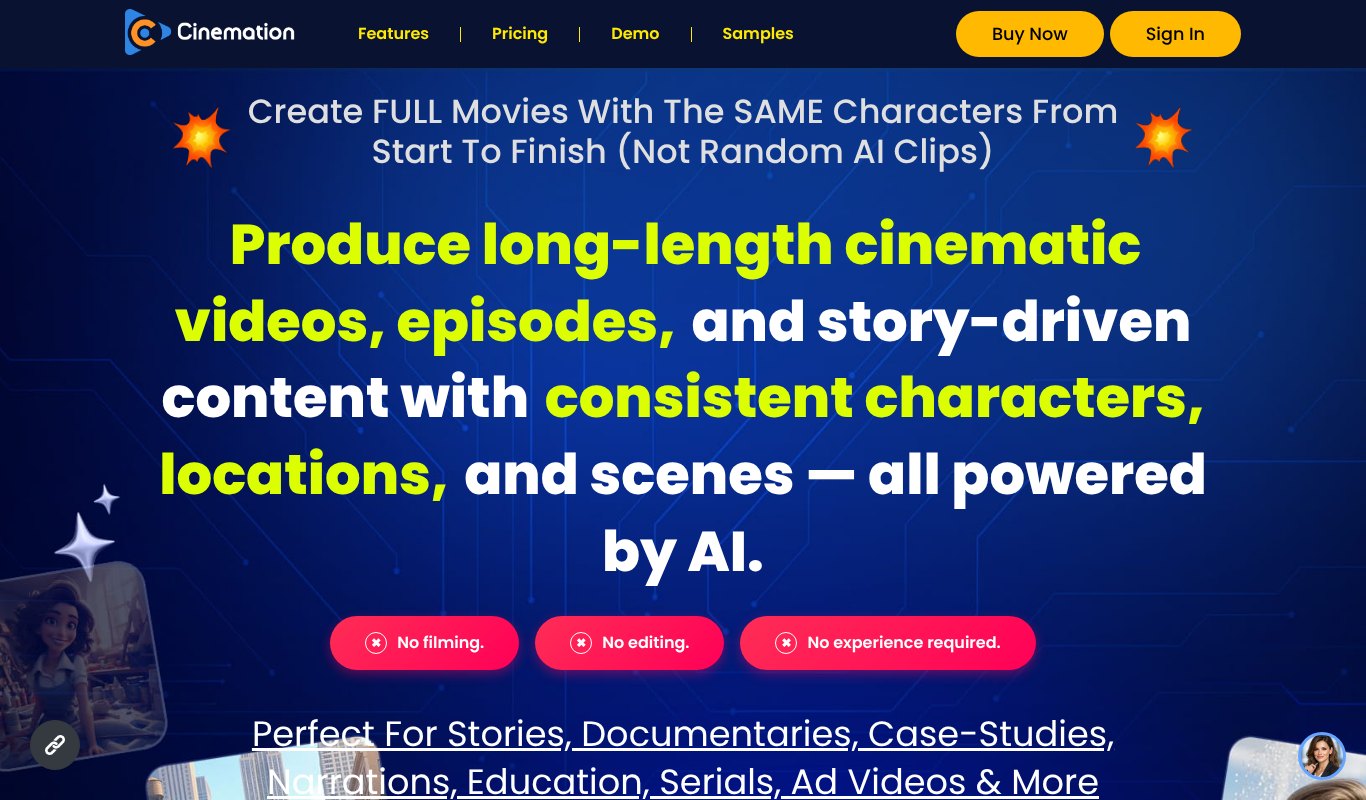
Most tools on this list solve part of the problem. They make beautiful 5 to 15 second clips and leave you to stitch a story together. Cinemation is built around the whole problem.
Cinemation is a desktop app for Windows and Mac that creates full-length movies, episodes and narrated videos with the same characters from start to finish. You set up your characters and locations once, store them in a reusable bank and use them in every scene and every episode.
Its Shot-Stitch technology plans the shots and joins them into one continuous video, so you get a finished film instead of a folder of clips. It also handles the script and plot with AI, adds narration (even in your own voice), and works in live action, 3D, anime, claymation and 2D cartoon styles, in vertical or landscape, in any language.
You can change scenes, dialogue and emotions with plain instructions, and even place products in scenes for ads.
How it keeps characters consistent. A reusable bank of up to 10 characters plus locations, used across every scene and episode, with Shot-Stitch joining the shots automatically.
Best for. Full movies, series, faceless YouTube channels and story-driven ads.
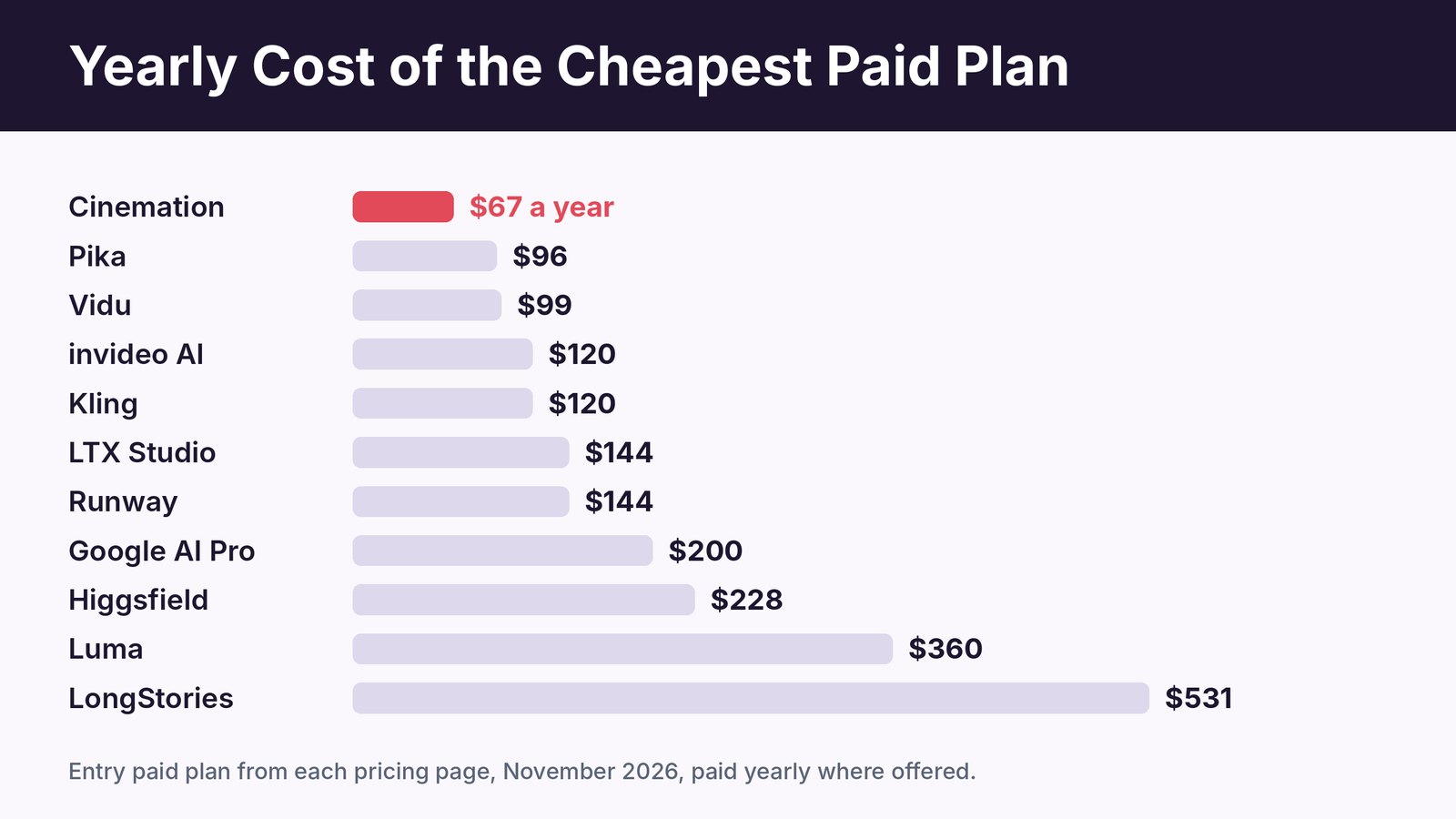
Price. $5.58 a month, paid yearly ($67 a year), or $17 month to month. Elite includes 10,000 welcome credits, up to 3 videos a day and up to 10 characters, with a 30 day money-back guarantee. Pro and All-Inclusive tiers add rights for client work.
Pros
- Full movies and episodes with the same characters throughout.
- Reusable character and location bank.
- Shot-Stitch builds the finished video for you.
- Any length, any style, any language.
- Lowest yearly price on this list.
Cons
- Desktop install required, no browser version.
- Client work needs the Pro or All-Inclusive upgrade.
2. LongStories.ai
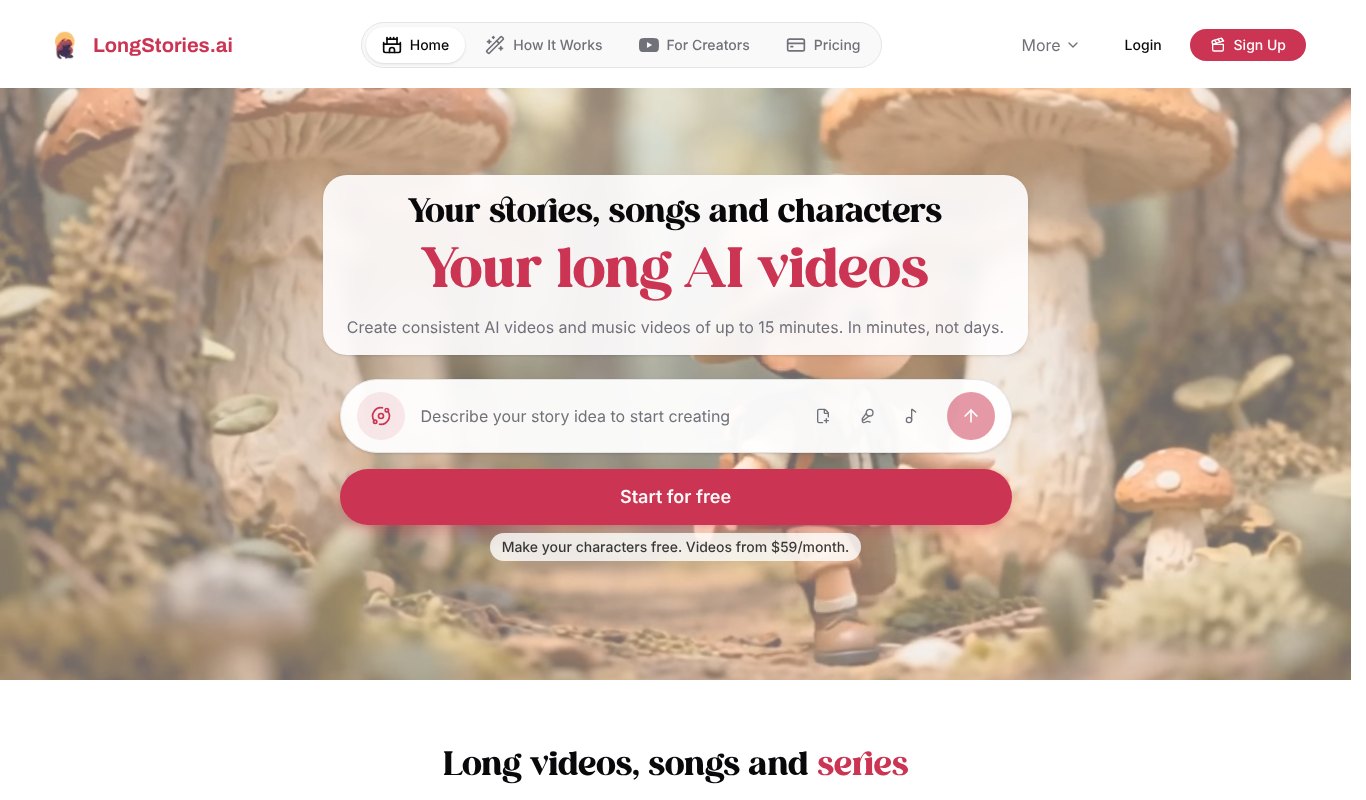
LongStories is one of the few tools built for long stories. You build a Universe, which holds your characters, visual style, voice and world rules, and every episode you make reuses it.
It now makes videos up to 15 minutes, along with songs and music videos, so it's a strong pick for animated series.
How it keeps characters consistent. Universes that save your cast and style for every new episode.
Best for. Animated story episodes and kids' content.
Price. Signing up is free with 200 credits for characters and scripts, but making videos needs a paid plan. Plans start at $59 a month, with savings on yearly billing.
Pros
- True multi-episode consistency
- Long videos up to 15 minutes
- Credit top-ups available
Cons
- Expensive compared to most tools
- No free video generation
- Mostly stylized animation
3. LTX Studio
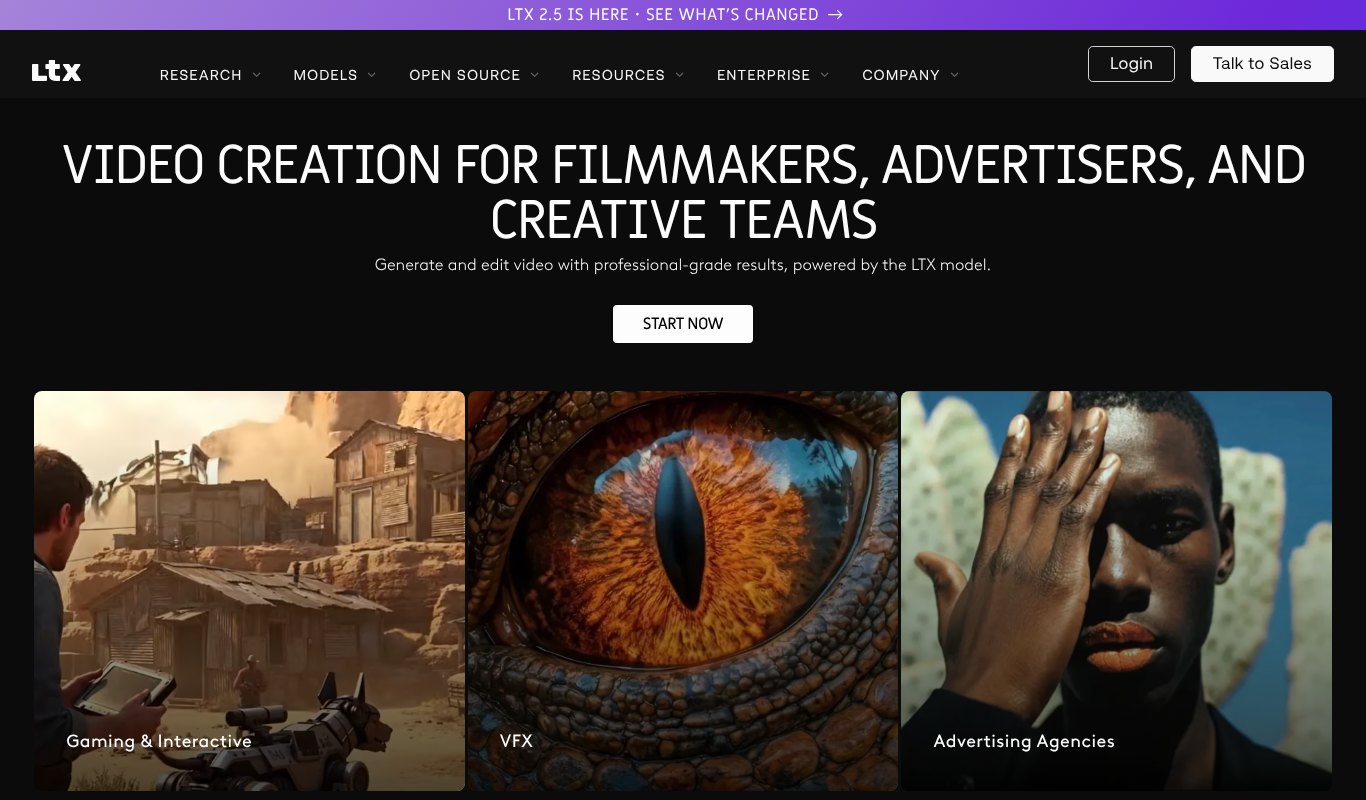
LTX Studio takes a storyboard-first approach. You write or generate a script, it breaks the story into scenes and shots, and its Elements feature keeps saved characters consistent across all of them.
It feels more like a production tool than a clip generator, which suits planners and small studios.
How it keeps characters consistent. Elements, saved characters you can drop into any shot.
Best for. Storyboard-first productions and pitches.
Price. Free plan available. Lite is $15 a month ($12 paid yearly), Standard $35 ($28 yearly), Pro $125 ($100 yearly).
Pros
- Script to storyboard workflow
- Saved characters across scenes
- Good control over shots and pacing
Cons
- Browser only
- Learning curve for the storyboard workflow
- Free plan is for personal use
4. invideo AI
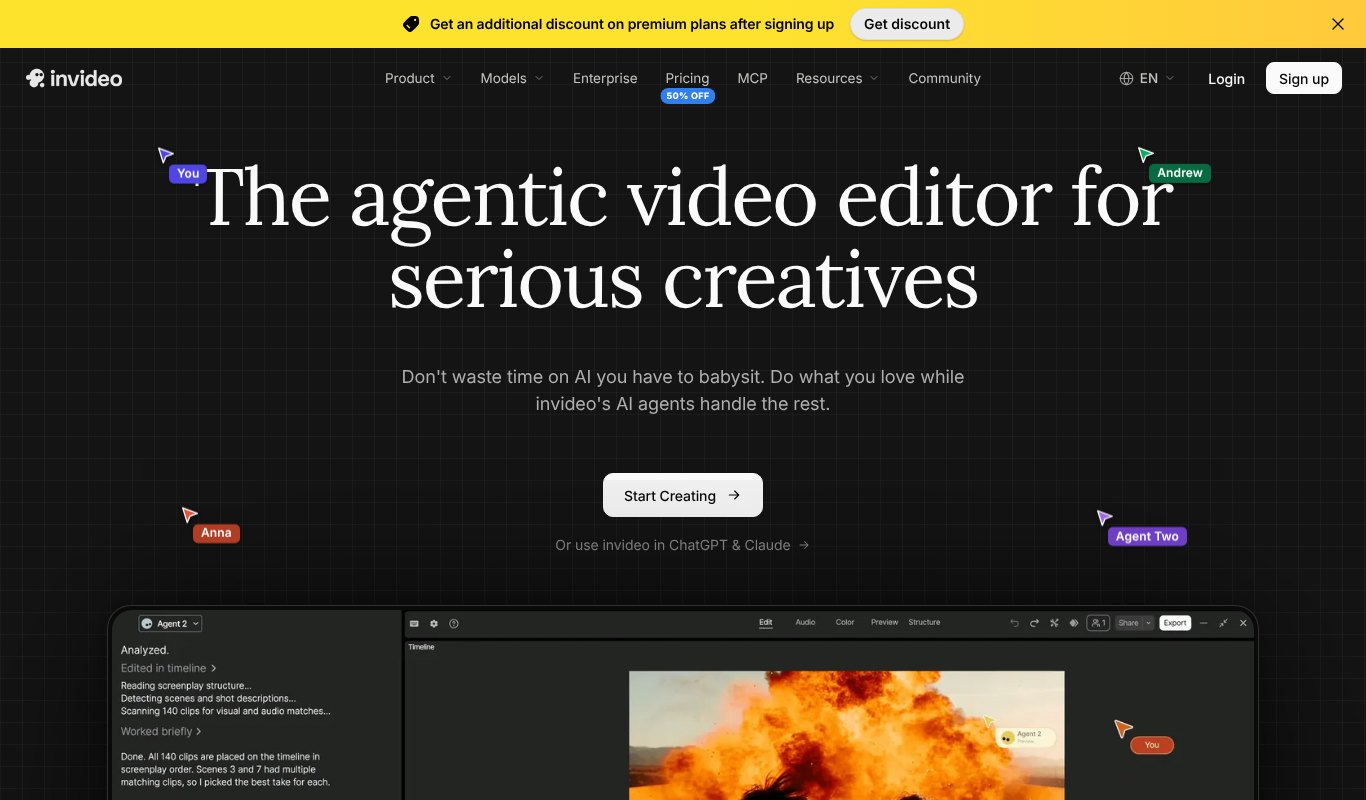
invideo's AI agents can plan, generate and edit a full video for you. For consistency, it locks a character to a multi-angle reference sheet with front, side, back and close-up views.
The editor now includes a full timeline, so you can fine-tune what the agents build.
How it keeps characters consistent. Multi-angle reference sheets that the agents follow across scenes.
Best for. Marketing films and explainers built with an AI agent.
Price. Free plan available. Starter is $20 a month per seat ($10 paid yearly), Plus $60 ($30 yearly) and Max $150 ($75 yearly).
Pros
- Agents handle script, scenes and edit
- Multi-angle character sheets
- Full editing timeline
Cons
- Credits are hard to translate into finished videos
- Top models need higher plans
5. Higgsfield
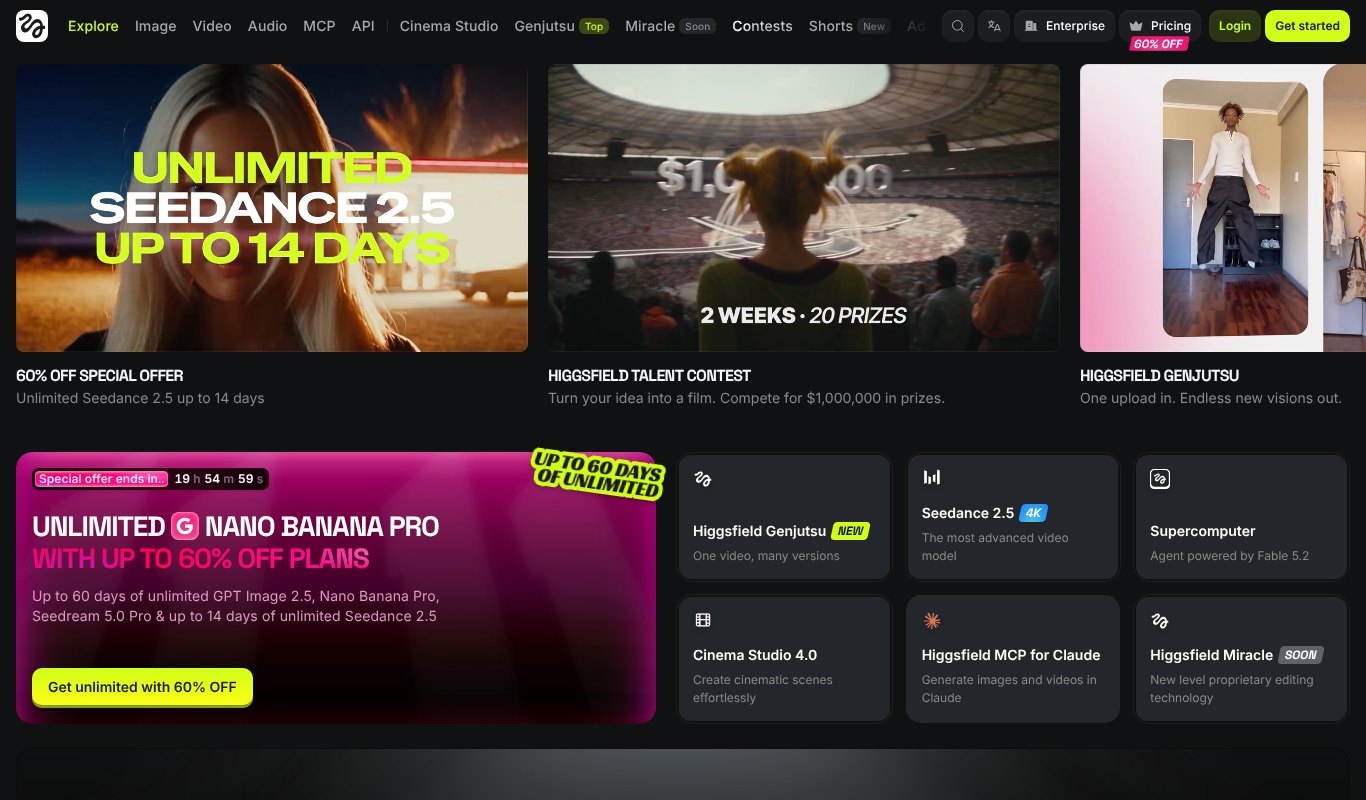
Higgsfield bundles many top video models behind one interface, including Seedance, Kling and Veo. Its Soul ID trains a character from a few photos and reuses that identity across models and styles.
It's popular for bold, stylized social content with dramatic camera moves.
How it keeps characters consistent. Soul ID, a trained identity built from 3 to 5 photos.
Best for. Stylized social videos and short promos.
Price. Free plan available. Paid plans start at $19 a month, with bigger plans at $35 and $65 a month when paid yearly.
Pros
- Strong reusable identity
- Many models in one place
- Bold camera presets
Cons
- Premium models use credits fast
- Busy interface with many promotions
6. Kling
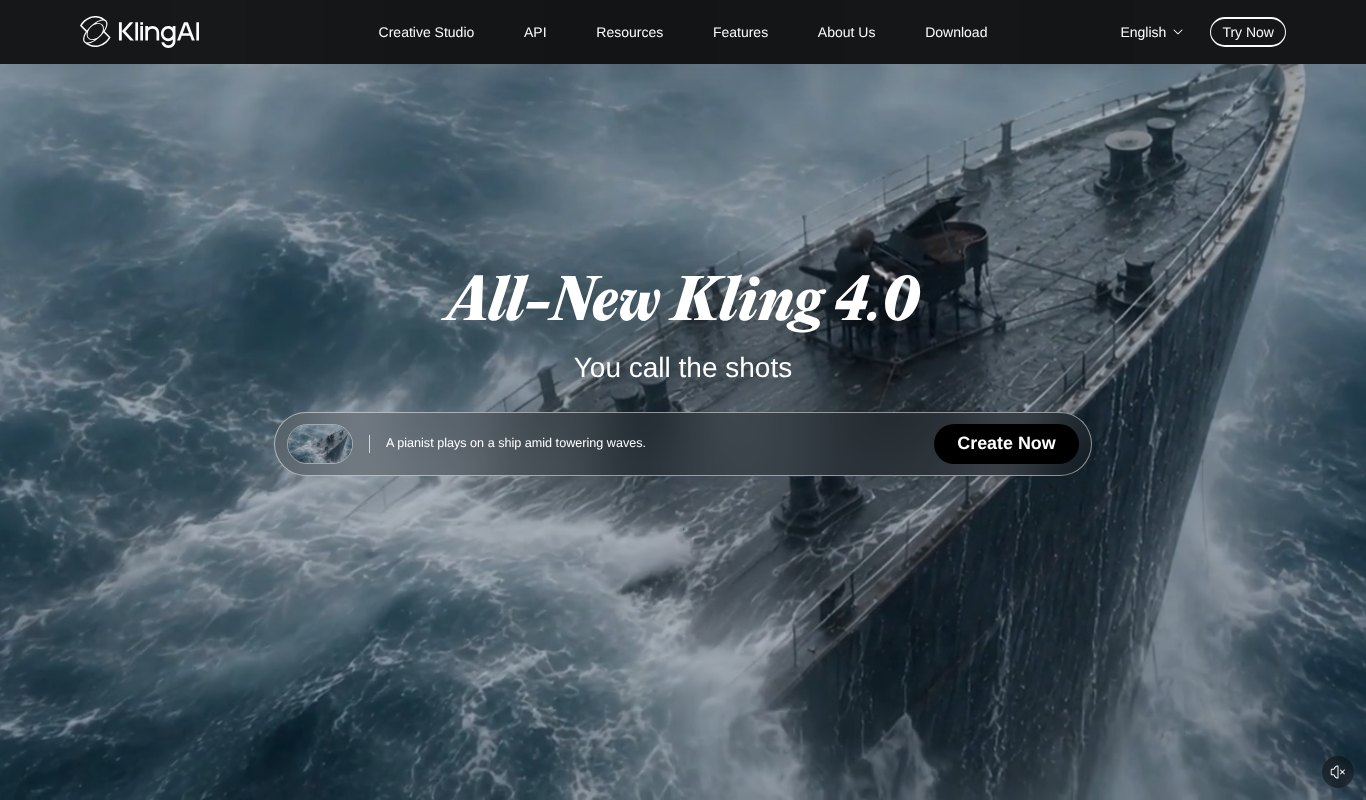
Kling is known for realistic human motion and faces. The new Kling 4.0 model raises the quality again, and its Element Library lets you save characters, outfits and objects to reuse across generations.
How it keeps characters consistent. Element Library references for characters and props.
Best for. Realistic people and motion in short scenes.
Price. Free daily credits. Standard is $10 a month and Pro $37 a month, with bigger plans for heavy users.
Pros
- Very realistic people and motion
- Reusable elements
- Low starting price
Cons
- Several tries per usable clip are common
- Short clips only
7. Runway
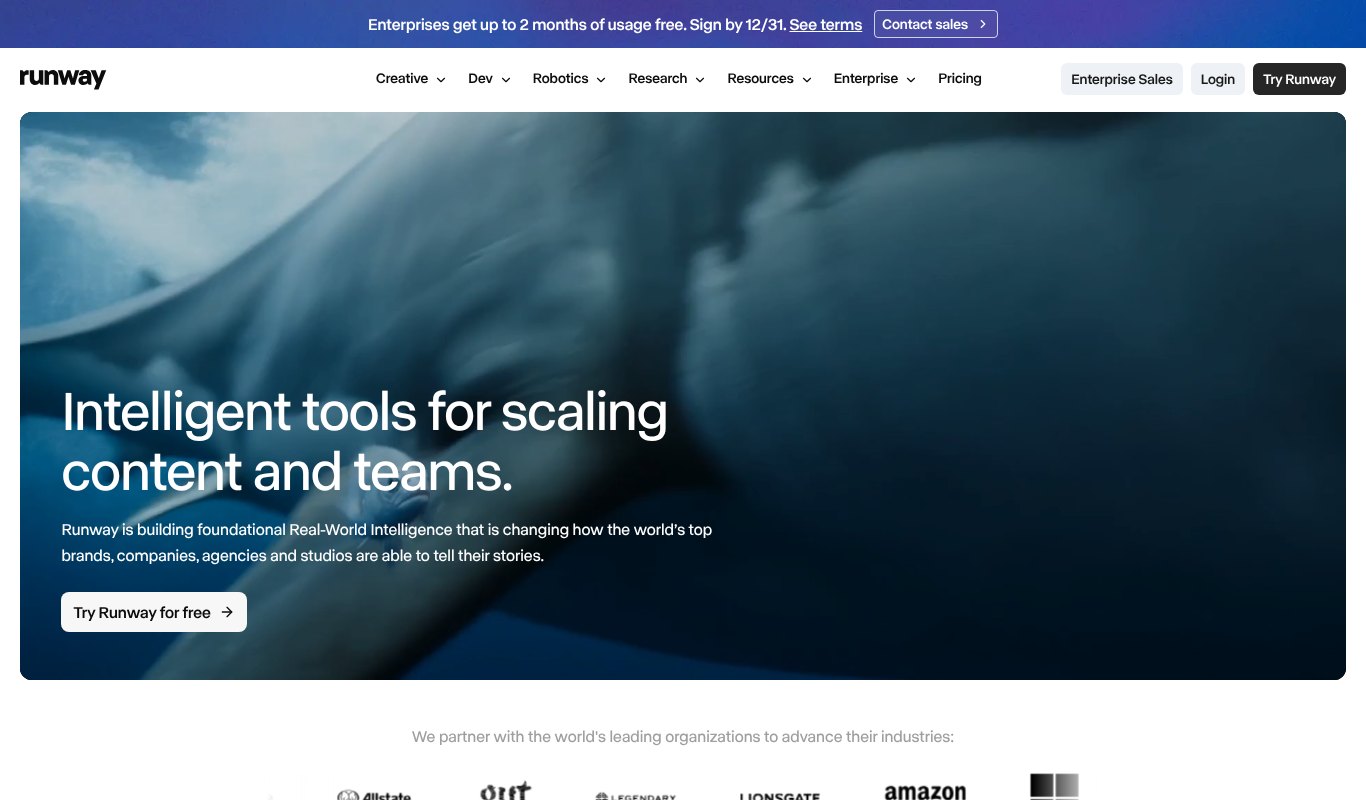
Runway is a favorite of professional creators for cinematic AI footage. Its References feature lets you feed in images of a character or location and keep them stable across new shots.
It works at the clip level, so building a full story is still your job in an editor.
How it keeps characters consistent. References from images of characters and locations.
Best for. Cinematic B-roll and professional editing.
Price. Free one-time credits. Standard is $15 a month ($12 yearly), Pro $35 ($28 yearly), Max $95 ($76 yearly).
Pros
- Top cinematic quality
- Works for characters and locations
- Full editing toolkit
Cons
- Credits run out fast on top models
- No built-in story assembly
8. Google Flow (Veo)
Flow is Google's filmmaking tool built on its Veo models. Ingredients to Video lets you supply characters and objects as references, and Veo generates clips with native sound and dialogue.
How it keeps characters consistent. Ingredients, reference images for characters and objects.
Best for. Realistic clips with built-in audio.
Price. Included with Google AI Pro at $19.99 a month ($199.99 a year), with far more credits on Google AI Ultra.
Pros
- Stunning realism with native audio
- Simple character reuse
- Part of a wider Google AI bundle
Cons
- Small credit allowance on Pro
- Short clips of about 8 seconds
9. Vidu
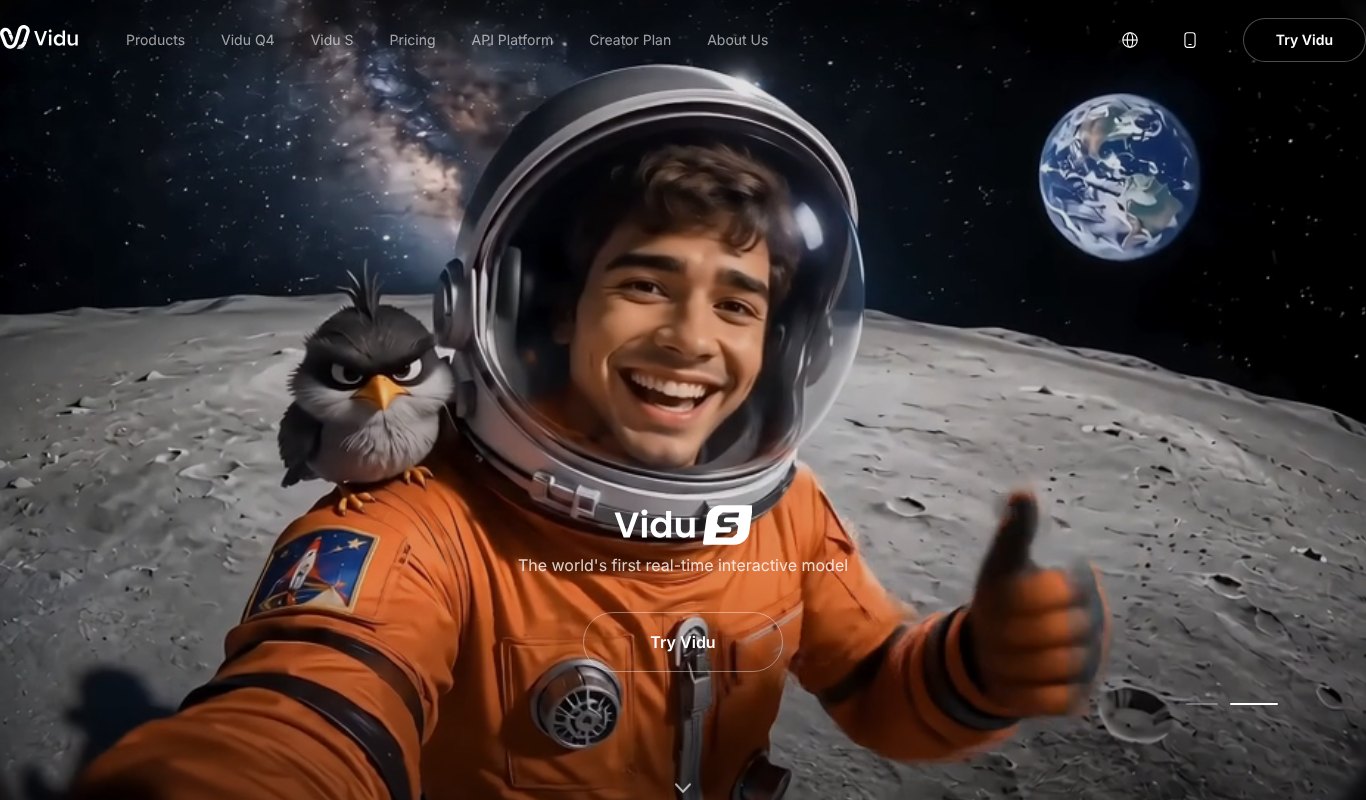
Vidu punches above its price. Reference-to-Video accepts up to seven images of characters, props and scenes and keeps them consistent in one shot, and My References saves your cast for reuse.
How it keeps characters consistent. Up to 7 reference images, plus a saved reference library.
Best for. Anime, 2D styles and budget creators.
Price. Free plan available. Standard is $10 a month ($99 a year), with Premium and Ultimate plans for more credits.
Pros
- Affordable
- Many references per video
- Reusable character library
Cons
- Shots cap at 16 seconds
- You stitch longer stories yourself
10. Luma

Luma has grown from Dream Machine into a creative agent that works across many models, including its own Ray 3.2. Ray is known for camera control, continuity and frame-by-frame direction, and Character Reference keeps a face recognizable within a shot.
How it keeps characters consistent. Character Reference on the Ray models.
Best for. Camera control and polished brand visuals.
Price. Free to try. Paid plans start at $30 a month, with $90 and $300 tiers.
Pros
- Excellent camera and lighting control
- Access to many models
- Strong visual quality
Cons
- Higher entry price than most
- Built more for brand assets than long stories
11. Pika
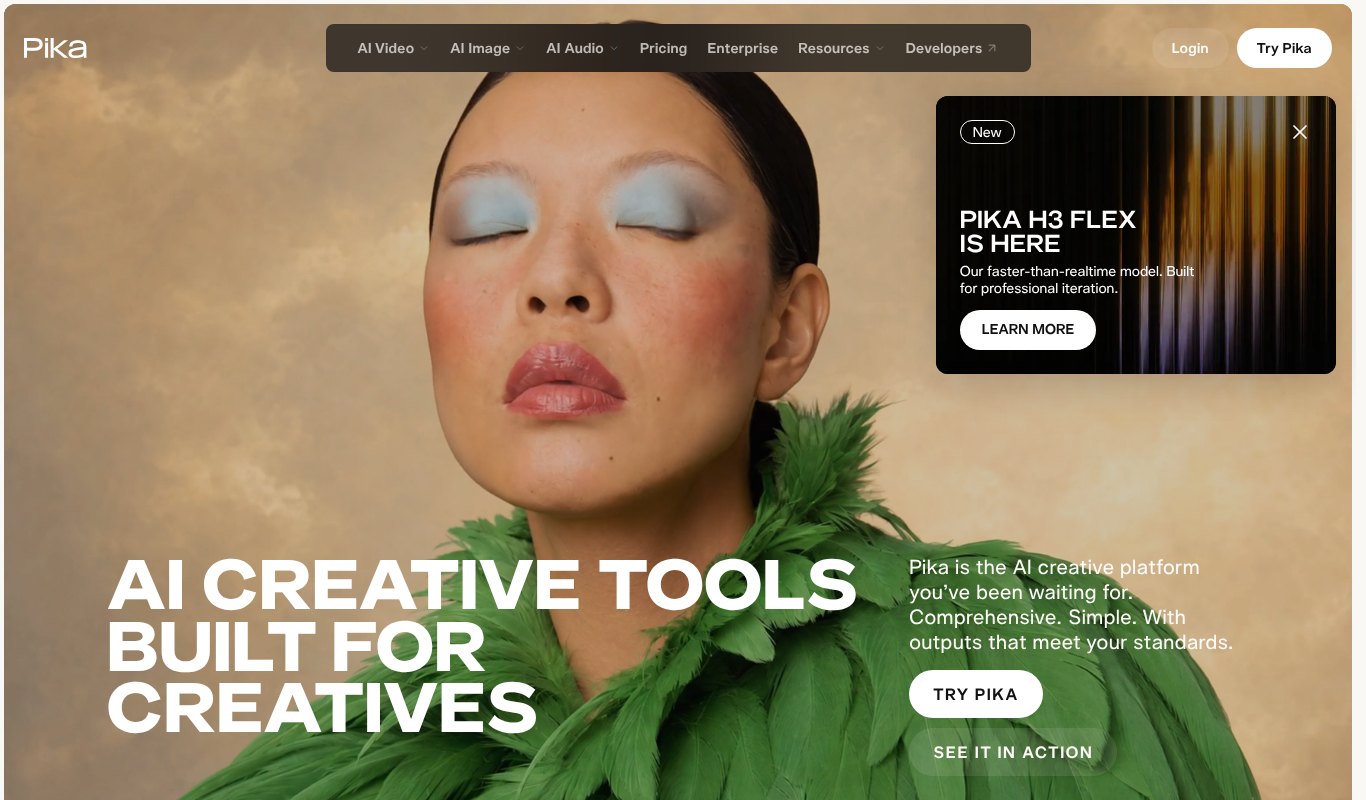
Pika is the friendliest AI video tool here. Scene Ingredients lets you drop in a character image, an object and a setting, and Pika blends them into one clip. Its newer H3 models add better quality and motion.
How it keeps characters consistent. Scene Ingredients for characters, objects and settings.
Best for. Beginners and fun, short social clips.
Price. Free plan available. Standard is $10 a month ($8 yearly), Pro $35 ($28 yearly), Fancy from $95.
Pros
- Very easy for beginners
- Fun effects
- Cheap entry plan
Cons
- Short clips only
- Consistency holds within a clip, not a series
How to Choose the Right Tool
If you need full stories, series or faceless channel videos, pick a tool that keeps a saved cast and assembles the video for you. That's Cinemation, with LongStories as an animation-only option.
If you need single cinematic shots for B-roll or ads, clip generators like Runway, Kling, Veo and Luma give stunning quality, as long as you're ready to edit clips together yourself.
If you plan carefully before you shoot, LTX Studio's storyboard workflow will feel natural.
Watch the real cost per finished minute, not the monthly price. Credit-based tools often take several tries per clip, and failed generations usually still cost you.
Tips for Keeping Characters Consistent
- Design your character first. Decide face, hair, age, outfit and one or two unique details, like a red scarf.
- Make a clear reference sheet. Front, side and close-up images in good light work best.
- Describe the character the same way every time. Reuse the exact words in every prompt.
- Keep outfits simple. Busy patterns and accessories drift more than plain clothes.
- Lock the style. Mixing realistic and cartoon styles confuses most models.
- Review every scene. Regenerate the odd one out before you move on.
Tools with a saved character bank, like Cinemation, take care of most of these steps for you.
Common Mistakes to Avoid
Starting without a character sheet. Without clear references, even the best model will drift.
Changing the prompt wording. "Tall woman in a red coat" and "woman wearing a crimson jacket" can give two different people.
Chasing the newest model every week. Switching models mid-project changes how characters look.
Ignoring locations. Consistent characters in shifting rooms still break the story. Keep locations consistent too.
FAQ
What is character consistency in AI video?
It means a character keeps the same face, body, clothes and style in every shot and every episode, so viewers recognize them throughout the story.
Can AI make a full movie with the same characters?
Most AI video tools make clips of 5 to 16 seconds. Cinemation is built to create full-length videos and episodes with consistent characters and join the shots automatically.
What is the cheapest AI video generator with consistent characters?
Cinemation is the cheapest per year at $67. Among clip generators, Pika, Vidu and Kling start around $8 to $10 a month.
Do I need to know video editing?
Not with tools that assemble the video for you, like Cinemation and invideo. Clip tools like Runway and Kling need you to edit clips together.
Can I use my own face as a character?
Many tools let you upload photos to create a character. Only use faces you have permission to use.
Final Thoughts
If you only need one striking clip, Runway, Kling or Veo will impress you. If you want to tell a story with the same characters from the first scene to the last, without paying by the second, Cinemation is the clear winner.
It turns a script into a finished, consistent movie, and at $67 a year it costs less than a single month on many other tools here. Try Cinemation and make your first full-length video with characters that stay the same from start to finish.