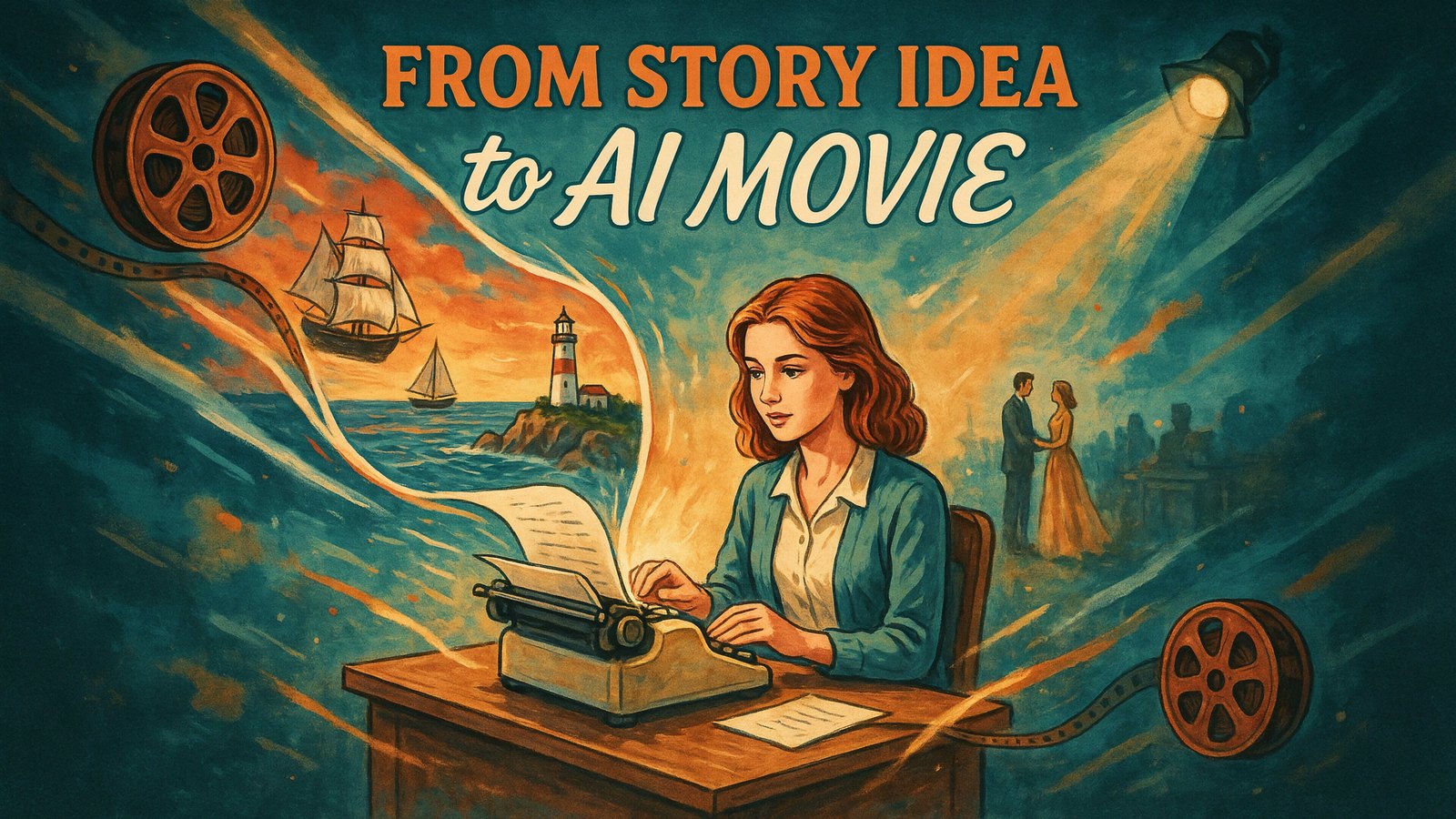
Everyone has a story they'd love to see on screen. A childhood memory, a short mystery, a fable for their kids, a sci-fi idea they've carried around for years.
Until recently, turning that story into a movie meant actors, cameras, sets and a big budget. Now, AI can do much of the heavy lifting.
But a great AI movie still starts with a great story plan. AI can generate images and clips. It can't fix a story that doesn't make sense.
This guide walks you through how to turn a story idea into an AI movie, step by step, from the first spark to the finished film.
Why Most AI Videos Don't Feel Like Movies
If you've played with AI video tools, you've probably seen the problem. Each clip looks great on its own, but put them together and the story falls apart.
The hero's face changes from scene to scene. The house they walk into looks different every time. Clips are only a few seconds long and don't flow into each other.
A movie needs the opposite. The same characters, the same places and scenes that connect like a real film. That is why planning matters so much, and why the tool you choose matters too.
Step 1. Shape Your Idea Into a Logline
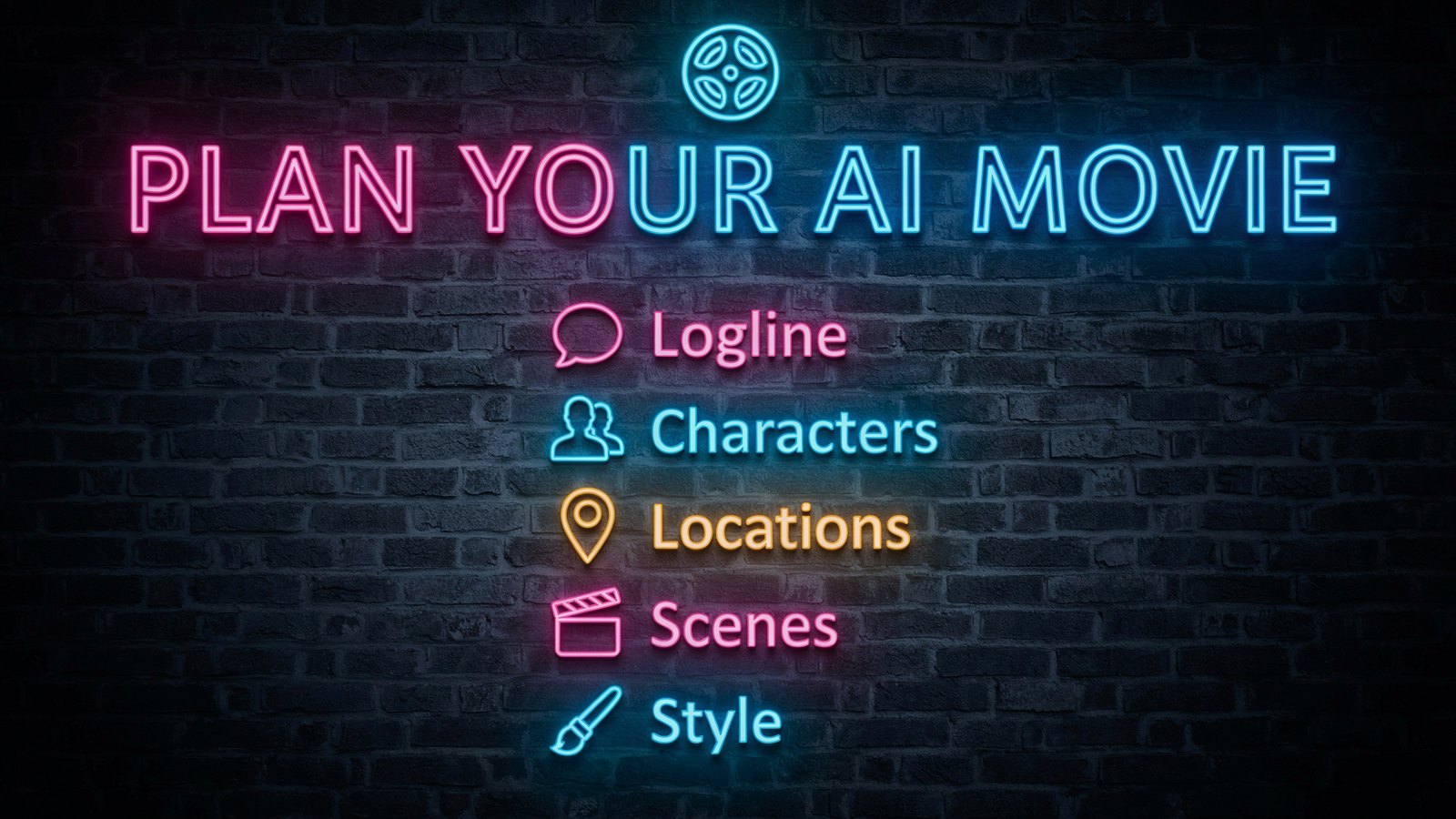
A logline is your whole story in one or two sentences. It names the hero, what they want and what stands in their way.
For example, "A shy lighthouse keeper must guide a lost ship to safety during the worst storm in a hundred years, even though the light has gone out."
Writing a logline forces you to find the heart of your story. If you can't write one, the idea probably needs more thought before you make anything.
Keep your first movie small. One main character, one clear goal and a short running time of two to five minutes is plenty to start.
Step 2. Create Your Characters
Your characters are what people remember. Give each one a name, a look and a personality.
- Appearance. Age, hair, clothes and one detail people will remember, like a red scarf.
- Personality. Brave, nervous, funny, stubborn. Pick two or three traits.
- Goal. What do they want in this story?
- Voice. How do they talk? Short and blunt, or warm and chatty?
Write these down. You'll use the same description every time the character appears, which is the key to keeping them consistent on screen.
Step 3. Design Your Locations
Just like characters, your locations need to stay the same throughout the movie. A viewer who sees a different lighthouse in every scene will feel lost.
List each place your story happens, and describe it in a few lines. The lighthouse on a rocky cliff. The small kitchen with a wood stove. The ship's deck in the rain.
Fewer locations make a stronger first movie. Two or three well-described places are easier to keep consistent than ten.
Step 4. Break the Story Into Scenes
Now turn your logline into a simple scene list. Most short stories follow a classic shape.
- Opening. Show the hero in their normal world.
- The problem. Something goes wrong or a challenge arrives.
- Rising tension. The hero tries and struggles. Things get harder.
- The big moment. The hero faces the hardest part.
- The ending. Show how things have changed.
Write one or two lines for each scene, including who is in it, where it happens and what happens. Add dialogue if your characters speak, or narration if a voice tells the story.
Step 5. Pick a Visual Style
The style sets the mood of your whole movie. A bedtime story feels right in soft 2D cartoon. A thriller feels right in live action. A family adventure might shine in 3D animation.
Choose one style and stick to it for the whole film. Mixing styles is one of the quickest ways to make an AI movie feel cheap.
Think about your audience too. Kids, business viewers and sci-fi fans all expect different looks.
Step 6. Make the Movie With Cinemation
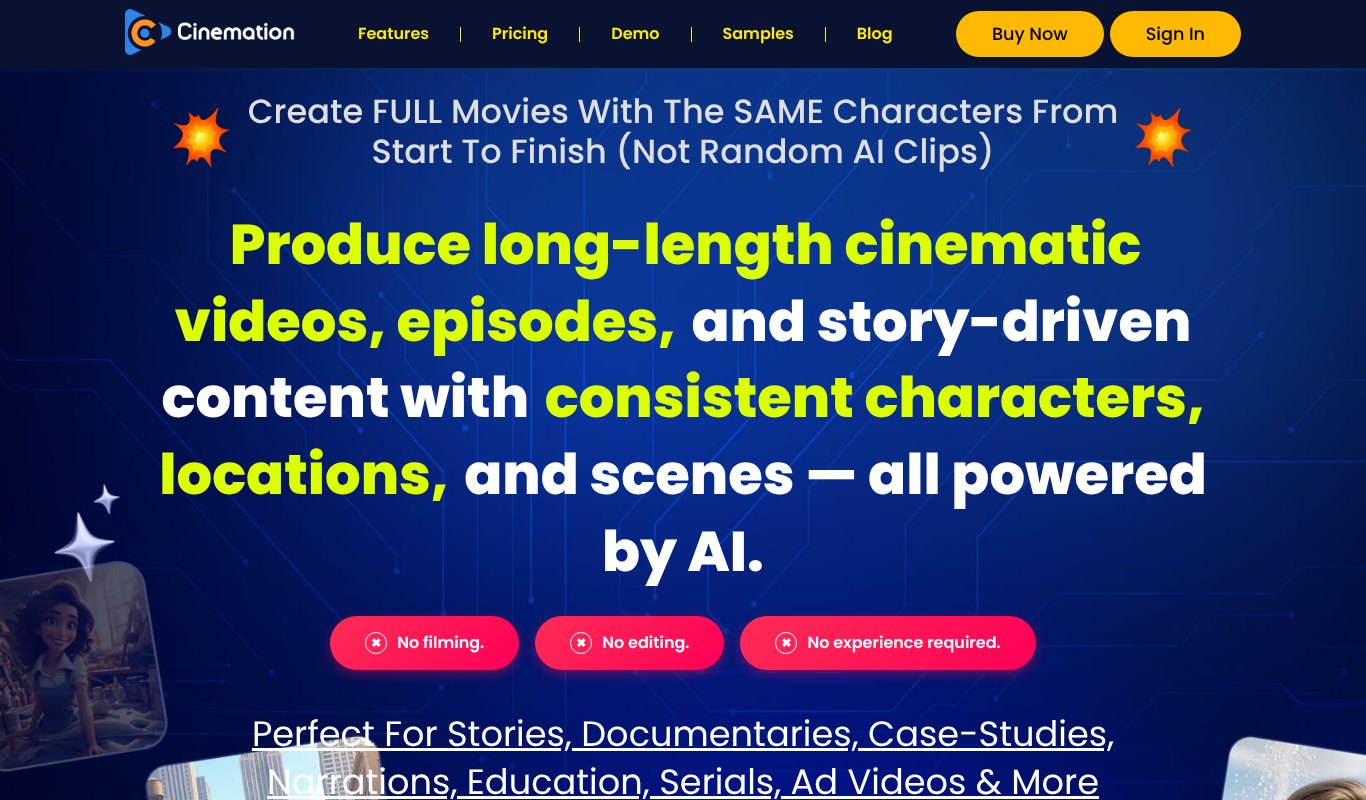
Cinemation is an AI movie maker built to solve the exact problems that make most AI videos feel broken. It creates full movies with the same characters from start to finish, not random AI clips.
You design your characters once, and they stay consistent across every scene and even across different videos. Your locations stay locked in place too, so the lighthouse looks like the same lighthouse every time.
Its Shot-Stitch technology plans shots and edits them together like a real film, so actions carry on smoothly from one shot to the next. The AI plans the shots and makes the whole video for you.
You can make character-driven videos with dialogue and action, or narration videos for stories, documentaries, biographies and lessons. Styles include live action, 3D animation, anime, claymation and 2D cartoons, and videos can be any length you want.
Cinemation is a desktop app for Windows and Mac. It costs $5.58 a month, paid yearly ($67 a year), or $17 month to month, with a 30 day refund.
Step 7. Review, Polish and Share
Watch your movie from start to finish, like a viewer would. Then ask a few simple questions.
- Does the story make sense? Could someone who knows nothing about it follow along?
- Do the characters look the same throughout? Fix any scene where they drift.
- Is the pace right? Cut scenes that drag. Short is usually better.
- Does the ending land? The last few seconds are what people remember.
- Is the sound clear? Voices, music and effects should all be easy to hear.
When you're happy, share it on YouTube, social media or your website. Add a strong title and thumbnail so people want to click.
Watch a Full AI Movie Walkthrough
For a wider look at AI filmmaking, this guide from Youri van Hofwegen walks through making a first AI movie from start to finish.
A Worked Example, The Lighthouse Keeper
Let's put the steps together with the logline from earlier, so you can see how a plan looks before you open any tool.
Characters. Elena, a quiet lighthouse keeper in her sixties, grey braid, yellow raincoat, steady hands. Tomas, a young sailor on the lost ship, scared but brave, with a striped wool hat.
Locations. The lighthouse on a black rocky cliff, the small round room at the top with the great lamp, and the deck of a wooden fishing boat in heavy rain.
Scenes. Elena polishes the lamp on a calm evening. A storm rolls in and the light flickers out. Out at sea, Tomas sees only darkness and the rocks getting closer. Elena climbs the stairs with an old oil lantern and holds it up in the window. Tomas spots the tiny light and steers away from the rocks. At dawn, the boat sits safely in the harbor and Tomas looks up at the lighthouse and waves.
Style. Warm, painterly 3D animation with soft lighting and a gentle orchestral score. Narration by an older voice, as if Elena is remembering that night.
That's the whole plan. It fits on one page, and it gives the AI everything it needs to keep Elena, Tomas and the lighthouse looking the same from start to finish.
How Long Does It Take?
Planning is usually the longest part, and that's a good thing. Expect to spend an hour or two shaping your logline, characters, locations and scenes for a short film.
Production with Cinemation is much faster. Because the AI plans shots and stitches them together for you, a short movie can come together in a fraction of the time it would take to film or animate by hand.
Then leave some time for review. Watching your film twice, making small fixes and choosing a good title and thumbnail can make the difference between a film people skip and one they share.
Turn One Movie Into More Content
Once your movie is done, don't stop at one upload. A single story can feed your channels for weeks.
- Short clips. Cut the most dramatic moments into shorts for TikTok, Instagram Reels and YouTube Shorts.
- Behind the story. Post your logline, character sheet and scene plan to show how you made it.
- A blog post. Write up the story and embed the film for readers who prefer text.
- A follow-up. If people love a character, give them a second story. Consistent characters make this easy.
Each piece points back to the full film, so one project keeps bringing in new viewers long after release day.
Story Ideas to Get You Started
Stuck for an idea? Here are a few that work well as short AI movies.
- A fable with a lesson. A clever fox, a proud lion and a twist at the end.
- A family memory. Turn a story your grandparents told into a short film.
- A small mystery. A missing item, three suspects and a surprise answer.
- A brand story. How your company started, told like a short film.
- A history moment. A famous discovery or journey, narrated like a documentary.
- A sci-fi short. A lone explorer lands on a planet and finds something unexpected.
If you want to keep going after your first movie and build a series with recurring characters, read our guide on how to make an AI animated series.
Tips for Better AI Storytelling
- Show, don't tell. Let actions and expressions carry the story, not long speeches.
- Give your hero a choice. Stories feel alive when a character has to decide something hard.
- Use sound for emotion. Music and silence can do as much as visuals.
- Keep dialogue short. Real people speak in short lines.
- End with a feeling. Happy, surprising, moving. Decide what you want viewers to feel.
Mistakes to Avoid
- Starting without a plan. Jumping straight into generation leads to a pile of clips, not a story.
- Too many characters. Viewers lose track. Start with two or three.
- Mixing styles. Pick one look and keep it.
- Making it too long. A tight three minute film beats a slow fifteen minute one.
- Skipping the review. Watch it at least twice before you share it.
Comparing tools? Our list of the best AI video generators with consistent characters shows how the options stack up.
FAQ
Can I really make a movie with AI?
Yes. With a clear story plan and a tool that keeps characters and locations consistent, you can make short films, episodes and longer stories without filming anything.
How long can an AI movie be?
With Cinemation you can create videos of any length. For your first project, two to five minutes is a good target.
Do I need to know how to edit video?
No. Cinemation plans the shots and puts the movie together for you. You review it and make changes where you want them.
Can I use AI movies for business?
Yes. Brands use short story-driven films for ads, product launches, case studies and training. Stories tend to hold attention far better than plain sales videos.
What kind of computer do I need?
Cinemation is a desktop app that runs on Windows and Mac.
Can I use my own story or book?
Yes, as long as it's your own work or you have the rights to it. Many writers turn short stories, children's books and blog posts into short films. Start with one chapter or scene, plan it with the steps above, and see how it feels on screen. You can always add more chapters later.
Final Thoughts
Turning a story idea into an AI movie comes down to a simple path. Write a logline, create your characters and locations, plan your scenes, choose a style and let the AI do the production.
If you want your characters and locations to stay the same from the first shot to the last, try Cinemation. Bring the story in your head to the screen, without a crew or a studio.